- next.js
- wordpress
- comparison
Next.js or WordPress for a Marketing Site?
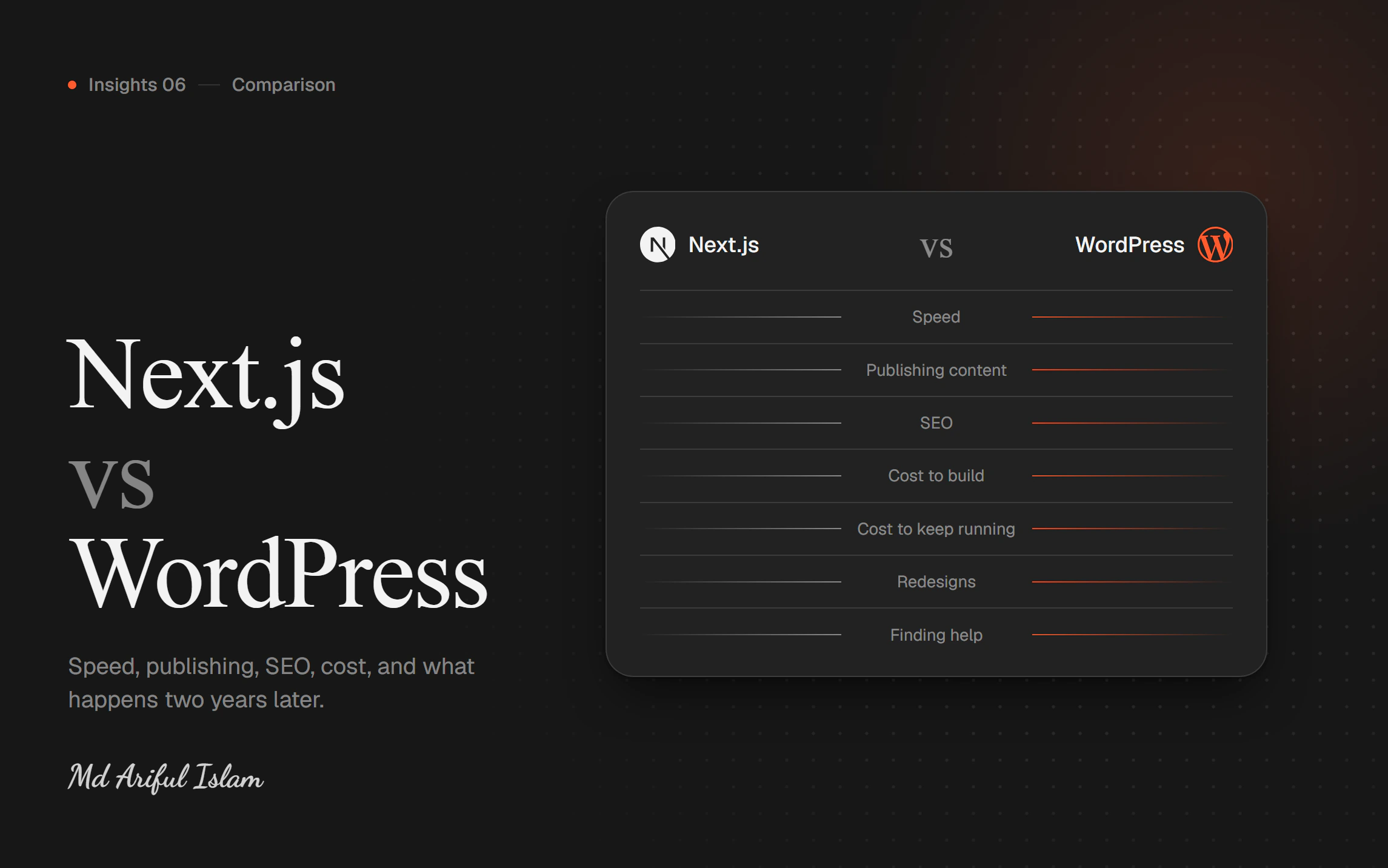
A practical comparison for people who have to choose and pay for it — speed, publishing, SEO, cost and what happens two years later.

Md Ariful Islam
4 min read
I build in Next.js, so treat what follows with appropriate suspicion. I've also built plenty in WordPress, and I still recommend it regularly. I'll try to be fair.
This is about marketing sites specifically — the site that explains what you do and turns visitors into enquiries or signups. Not blogs, not shops, not web apps.
Speed
WordPress builds each page when someone asks for it. Database query, plugins run, page assembles, page sends. You can speed this up with caching, and good WordPress sites do. But you're adding layers to compensate for the design.
Next.js can build pages in advance. A visitor asks, the finished page is already sitting there.
Honest verdict: Next.js wins, and the gap is large. A well-built Next.js marketing site loading in under a second is normal. A WordPress site doing the same requires real effort.
But a well-optimised WordPress site beats a badly built Next.js one. The framework doesn't save you from poor decisions.
Publishing content
WordPress has spent twenty years on its editor. Your marketing person already knows it, or can learn it in an afternoon. Preview, revisions, scheduling, media library — all there.
Next.js has no editor. You pair it with a content system — Contentful, Sanity, Strapi — and those are good, but your team has to learn one.
Honest verdict: WordPress wins, particularly if your team is non-technical and publishes often.
SEO
WordPress has Yoast and Rank Math. Install, fill in the boxes, done. Enormously convenient.
Next.js does the technical side better — faster pages, cleaner markup, automatic sitemaps — but you or your developer configures each piece rather than installing a plugin.
Honest verdict: a draw, and it's closer than either camp claims. Plugins make WordPress SEO easy; architecture makes Next.js SEO better. Both rank fine when done properly, and neither saves you from having nothing worth reading.
Cost to build
WordPress: cheaper to start. Buy a theme, configure, launch. A decent site for $1,000–3,000 is realistic.
Next.js: more upfront, because it's built rather than assembled. $3,000–8,000 for a comparable marketing site.
Honest verdict: WordPress wins on day one.
Cost to keep running
This is where it flips.
WordPress needs maintenance. Core updates, plugin updates, security patches. Plugins break each other. Sites get hacked — usually through an outdated plugin nobody was watching. Budget real hours per year, or a maintenance retainer.
Next.js has far less to maintain. Fewer moving parts and no plugin ecosystem to break. It still needs occasional updates, but "the site went down because a plugin updated itself" doesn't happen.
Honest verdict: Next.js wins over three years. Over one year, WordPress is still cheaper.
What happens when you redesign
WordPress: design and content are entangled. A redesign usually means rebuilding page templates and often migrating content.
Next.js with a separate content system: build a new front end, point it at the same content, launch. Your content doesn't move.
Honest verdict: Next.js wins clearly, and this is underrated. Most companies redesign every two to three years, so you'll pay this cost more than once.
Finding someone to work on it
WordPress: an enormous number of developers, at every price point, everywhere.
Next.js: fewer, and generally more expensive.
Honest verdict: WordPress wins, and it matters more than people think. If your developer disappears, how quickly can you replace them?
So which one?
Choose WordPress if:
- Your budget is under about $3,000
- Your team publishes frequently and isn't technical
- You depend on plugins — forms, memberships, bookings
- Someone internal already knows it
- The site is a brochure that has to exist, not a channel that has to perform
Choose Next.js if:
- Speed has a number attached to it — signups, enquiries, sales
- You're competing in search against faster competitors
- You expect to redesign within two or three years
- You have a developer, or budget for one
- The website is genuinely how customers find and judge you
And there's a middle path
You can keep WordPress as the editor and put a Next.js front end in front of it. Your team keeps the tool they know; visitors get the speed.
More setup work, and it needs someone who understands both. But it's often the honest answer for a company with a working WordPress site and a speed problem — and it rarely gets suggested, because a full rebuild is more interesting for the developer.
The mistake to avoid
Choosing the framework before you've decided what the site is for.
"What happens to the business if this site works better?" If you can't answer it, WordPress, done properly, is almost certainly right — and spend the difference on something that grows the business.
If the answer is a number, you can work out what speed is worth, and the decision makes itself.
Mid-decision and want a second opinion? Send me your current site and what's frustrating you about it. I'll tell you which way I'd go, including "stay where you are."